Step 1: Install CC Privacy Suite from AppExchange
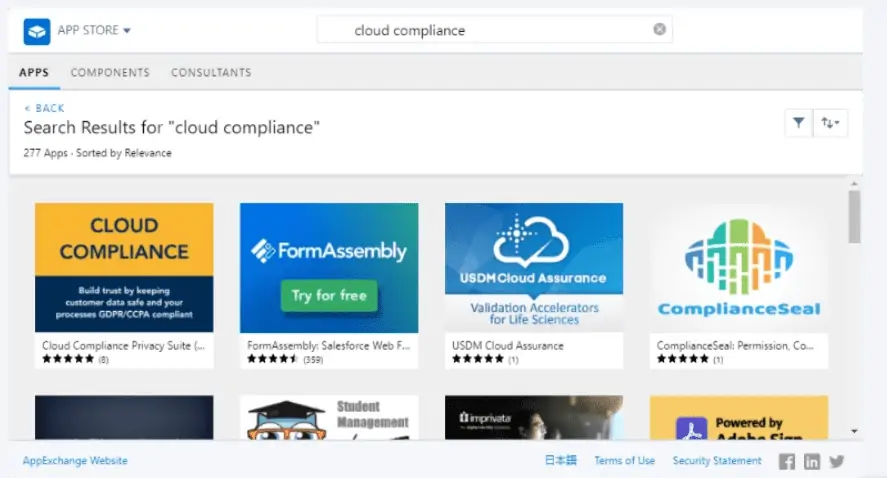
Cloud Compliance's Data Retention is part of the CC Privacy Suite package available on Salesforce AppExchange.
Installation Steps
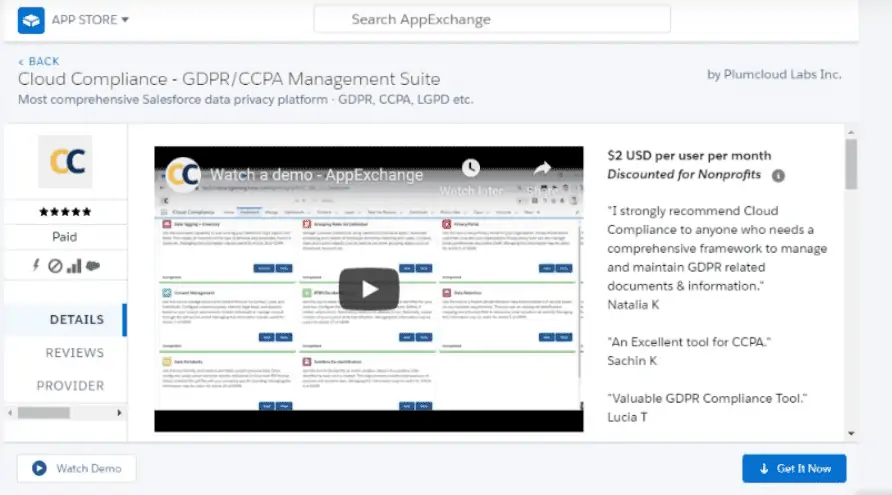
- Navigate to CC Privacy Suite on AppExchange
- Click Get It Now
- Choose your installation environment (Production or Sandbox)
- Log in to your Salesforce org
- Review package details and permissions
- Click Install
- Select installation option:
- Install for Admins Only (Recommended for initial setup)
- Install for All Users
- Install for Specific Profiles
- Click Install and wait for completion
- Approve third-party access if prompted
Post-Installation
Once installation is complete:
- Navigate to App Launcher → Search for "Cloud Compliance"
- Verify the Data Retention tab is visible
- Proceed to Step 2: Assign Permission Set
Troubleshooting
If you encounter installation issues:
- Ensure you have System Administrator permissions
- Check that your org meets the minimum requirements
- Contact Cloud Compliance Support for assistance
Next Step: Step 2: Assign Permission Set