Installing the DataMasker application
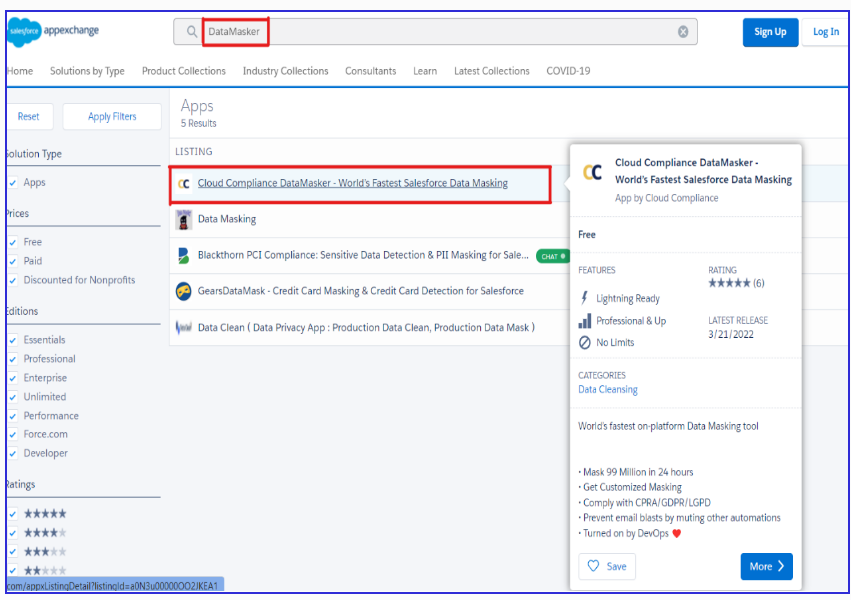
Step 1: Search for DataMasker
Navigate to the DataMasker listing on AppExchange. Here is the LINK
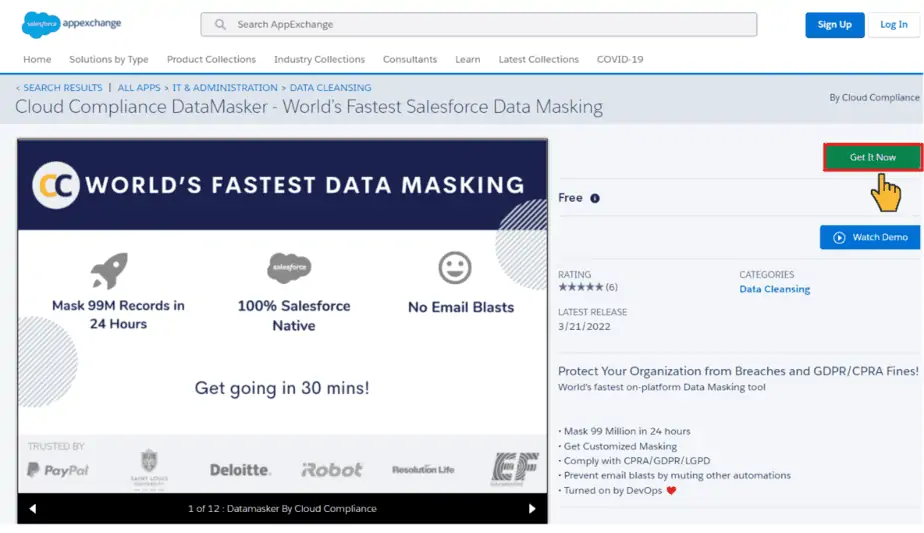
Step 2: Install DataMasker
To install the application, click on the Get It Now button.
Step 3: Add Installation Details
- Key in the Installation Key (Contact Cloud Compliance Team at support@cloudcompliance.app)
- Select the option Install for Admins Only.

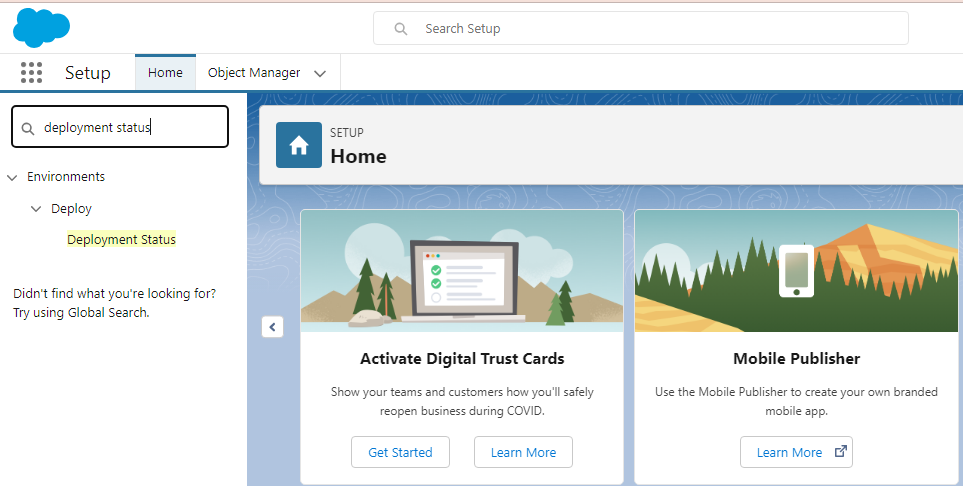
Note – User can confirm completion of installation by going to Setup -> Deployment Status